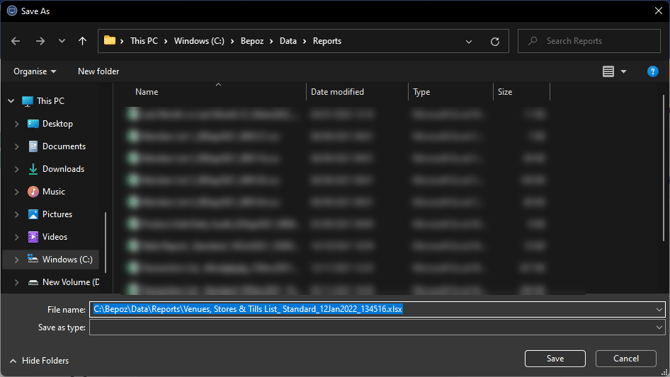
Problem / Symptoms:
If you encounter excel not opening an exported file
Diagnosis: Solution / resolution:
-
You need to manually add the filename extension (.xls or .xlsx).
Note: The system would keep the filename extension if you save it to the default location and filename
-
The default location is [Drive Letter]\Bepoz\Data\Reports\
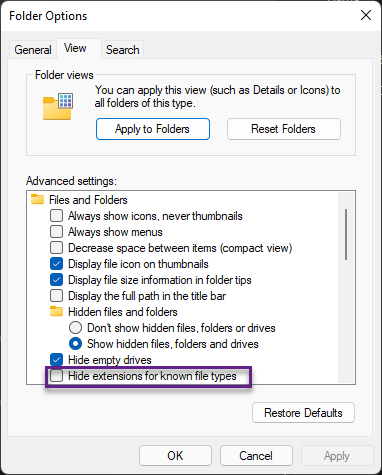
- You can also Unflag the following Windows Option:
- Windows Explorer (Folder>Options>View Tab) or:

-
-
Then Options and click on the View Tab
-
-
Hide Extensions for known file types.
-
When exporting the file the file extension will be included.