Overview
The "Graphical Table" Sub-Function displays the Graphical Table Map that is currently set for the Workstation.
However, if no Graphical Table Map is selected, then the Table Open List will be displayed instead.
This Function works the same as the "Graphical Table" Sub-Function but, when creating new Tables, uses alphanumeric Table Numbers.
Prerequisites
- To access and use this Till Function within SmartPOS, the following Operator Privileges will need to be enabled:
- General: "Operate Tills" Flag
- Tables: "Create New Tables" Flag
- Operator Maintenance 'Till Privileges' Tab
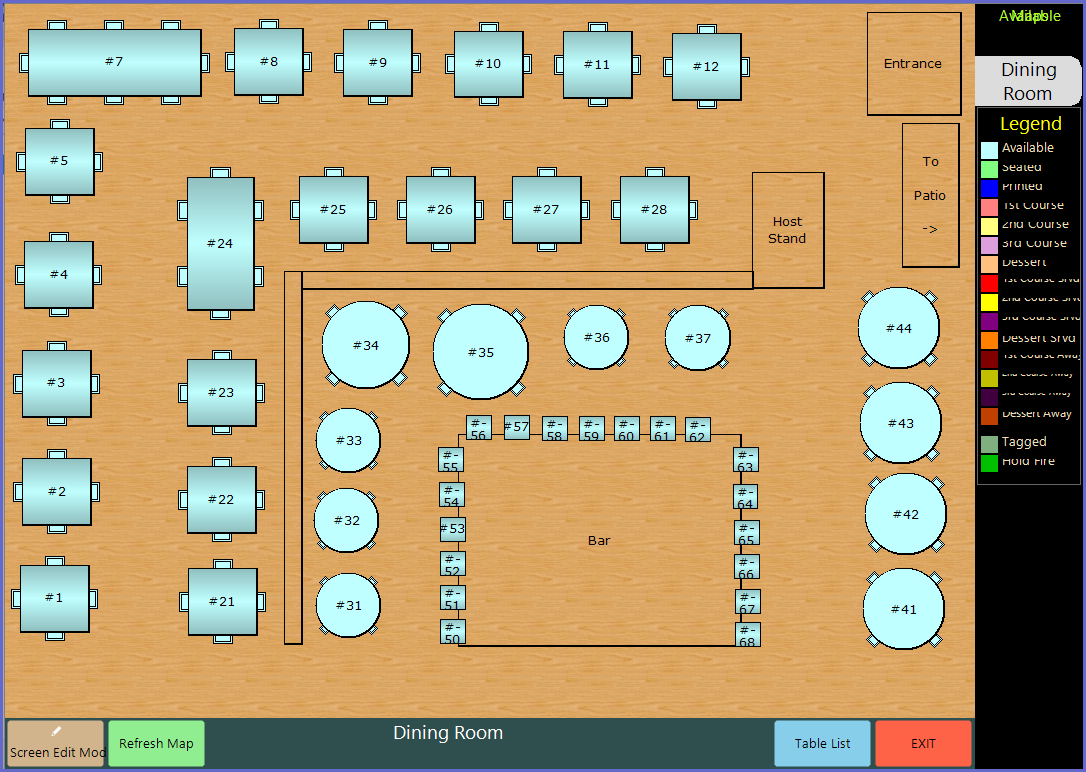
SmartPOS Example - Graphical Table Alpha
- Below is an example of a Graphical Table Map that can be displayed after selecting the Graphical Table Alpha Sub-Function
- The Table Map will only be displayed if it has been assigned and configured for that Till
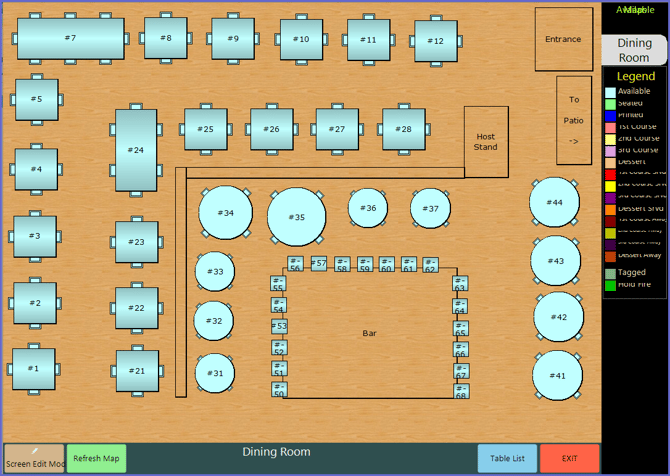
SmartPOS Example - Graphical Table
- Below is an example of a Graphical Table Map that can be displayed after selecting the Graphical Table Sub-Function
- The Table Map will only be displayed if it has been assigned and configured for that Till