Overview
A Prerequisite can be assigned in a number of places depending upon when the Prerequisite action should be triggered.
Prerequisites create conditions that must be met prior to selling a Product.
Prerequisites
- To access Prerequisites, the following Operator Privileges will need to be enabled:
- Operational Setup: "Maintain Prerequisites" Flag
- Operator Maintenance 'General' Tab
System Setup - Venue, Stores & Tills
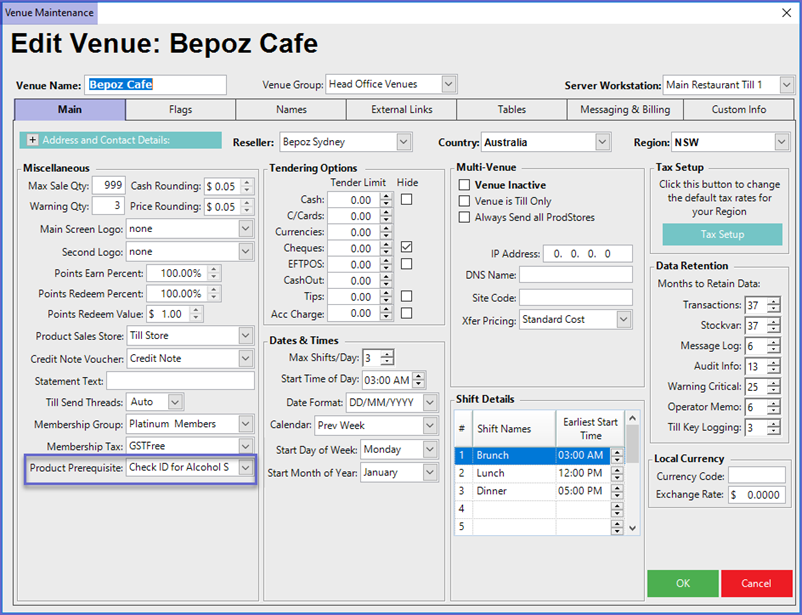
Venue
- This will display the Prerequisites on every Workstation/Till available in the Venue for every Transaction
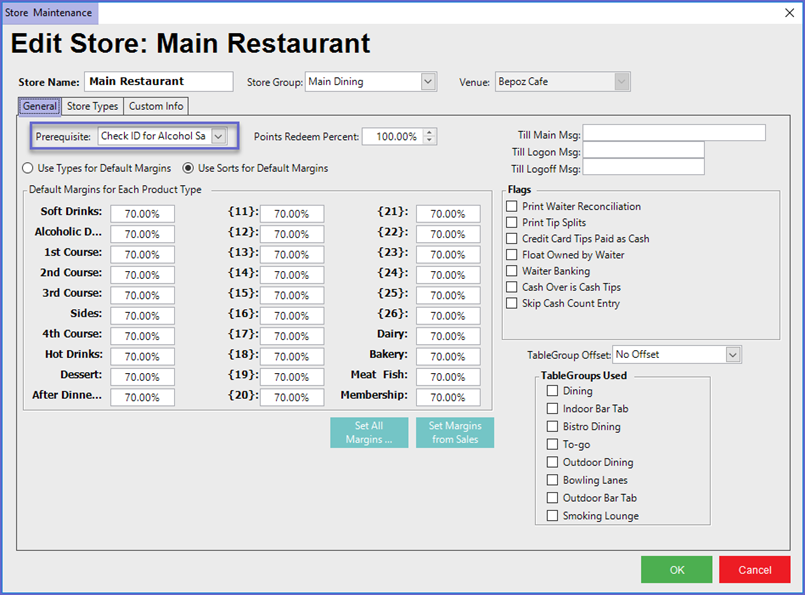
Store
- This will display the Prerequisite on every Workstation/Till available in the Store for every Transaction
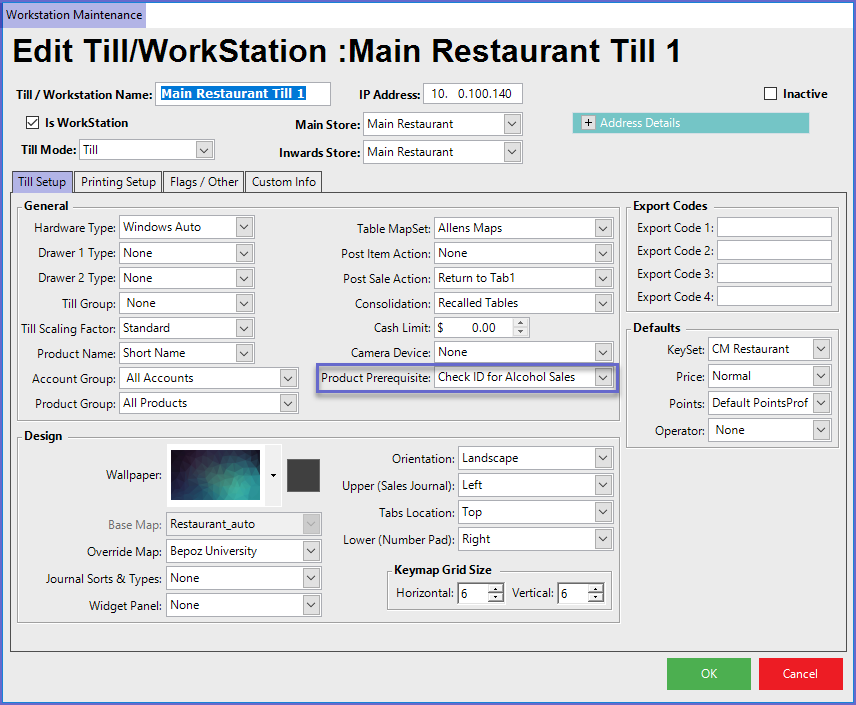
Workstation
- This will include Prerequisite Triggered by all Sales on this Till
Product Maintenance
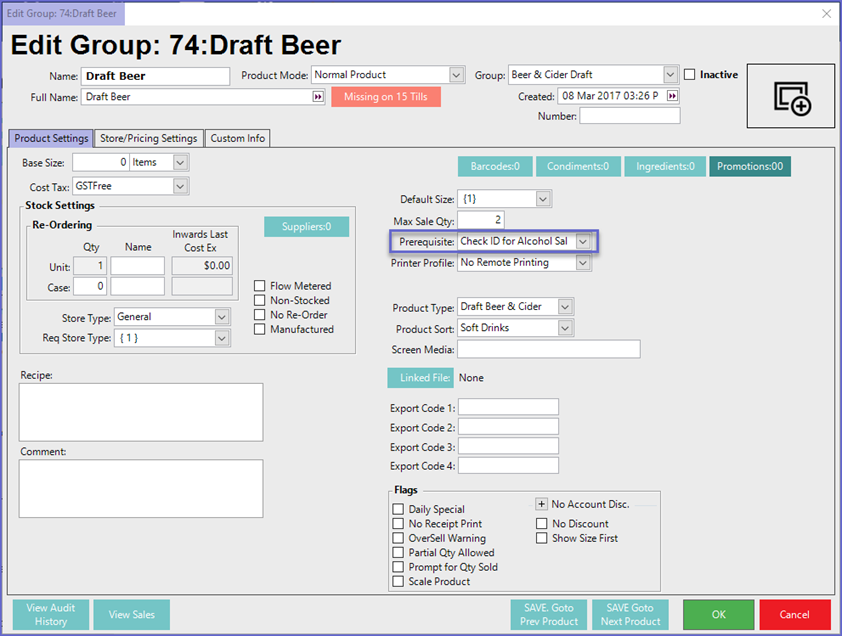
Product Settings Tab
- When this Product is sold at any Venue in any Store, the Prerequisites will be activated
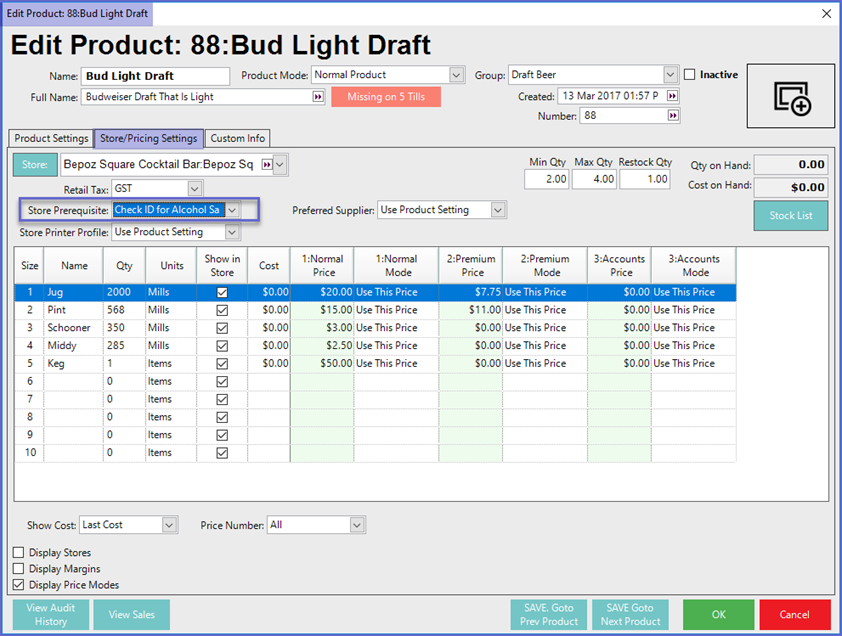
Store/Pricing Settings Tab
- If this Product is sold in the selected Store then the Prerequisite will be applied