
Prerequisites
- To access Table and Tab Till features, the applicable Operator Privileges will need to be enabled
- Operator Maintenance 'Till Privileges' Tab
- Tables: "Table Sales" Flag
- Tables: "Create New Tables" Flag
- Tables: "Table Payments" Flag
- Tables: "Close Tables" Flag
Printing a Bill
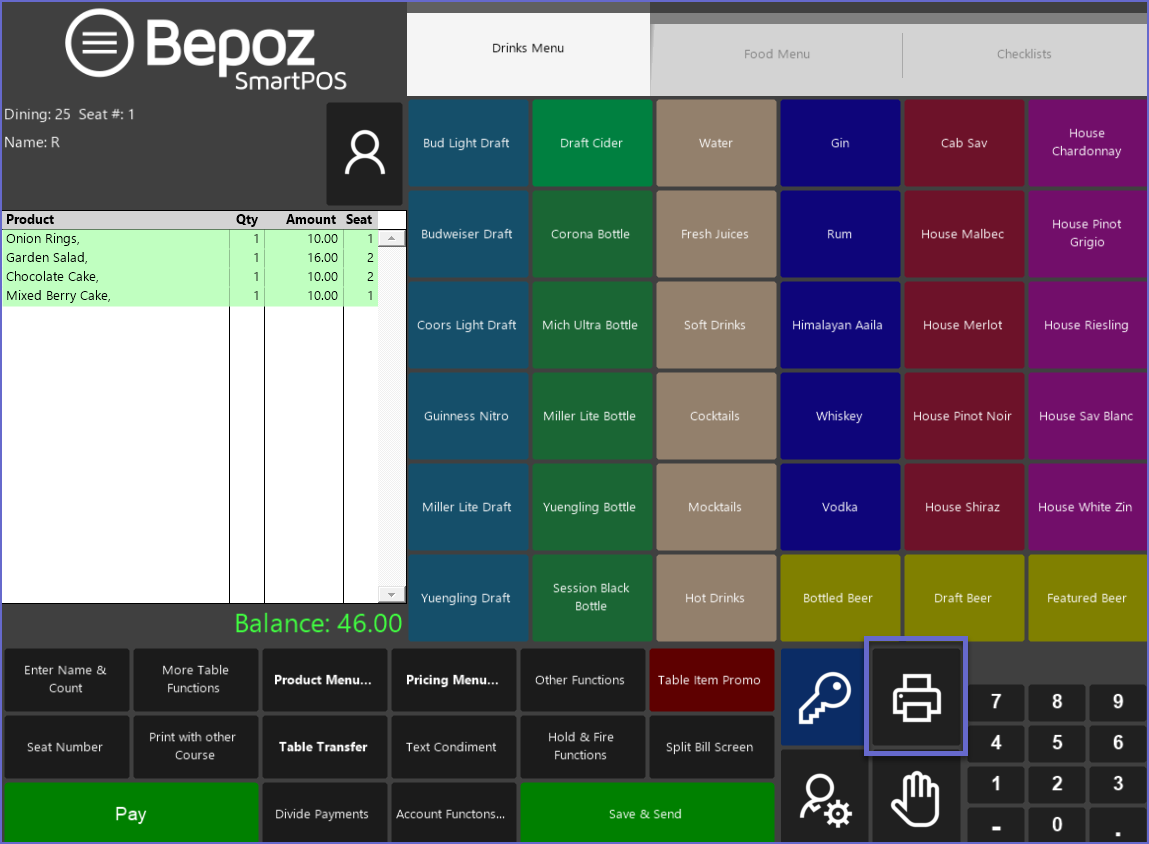
- After a Table Transaction has been started, Saved, and been Reopened, an Operator will need to tap the Print Function button to Print the Receipt/s
- Print function buttons can also be added elsewhere to Function Map Panels in addition to the default Print button
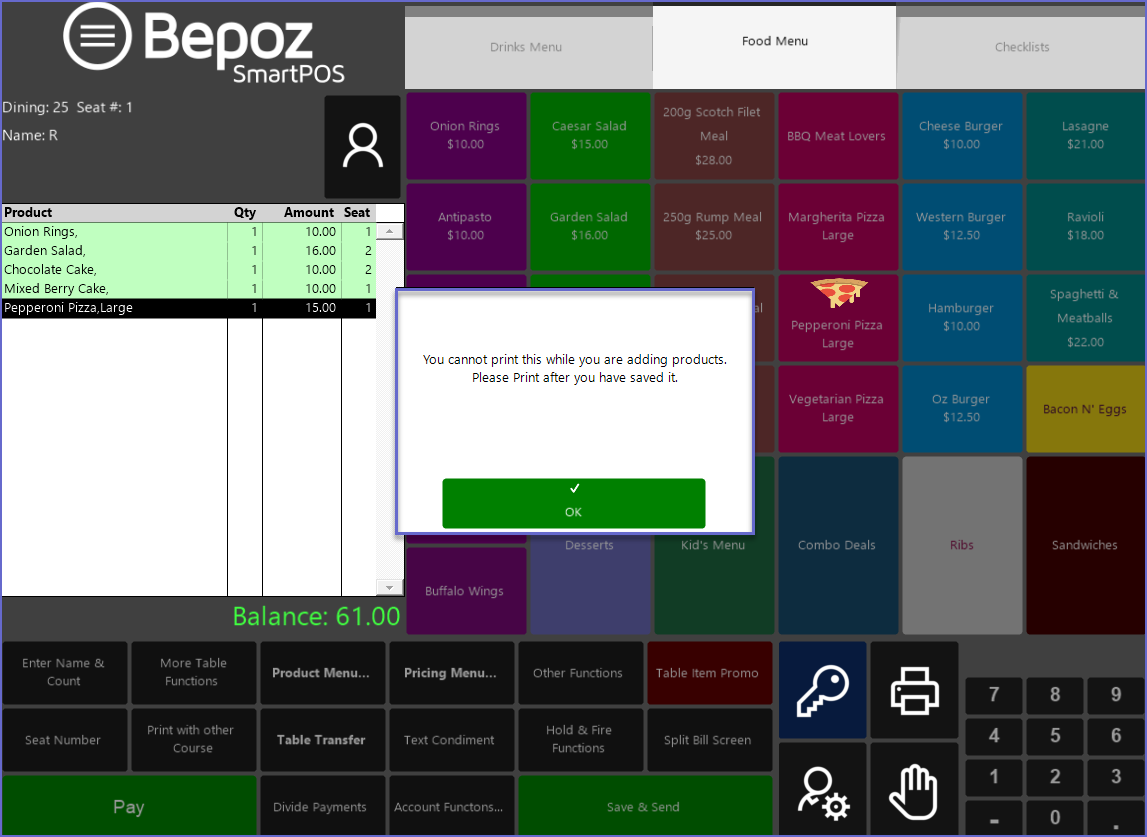
- To Print a Bill for a Table, it must first be Saved, otherwise, a prompt will display asking the Operator to Save the Table first
- After being Saved, the Receipt can be Printed while the Table remains in the Transaction Window briefly
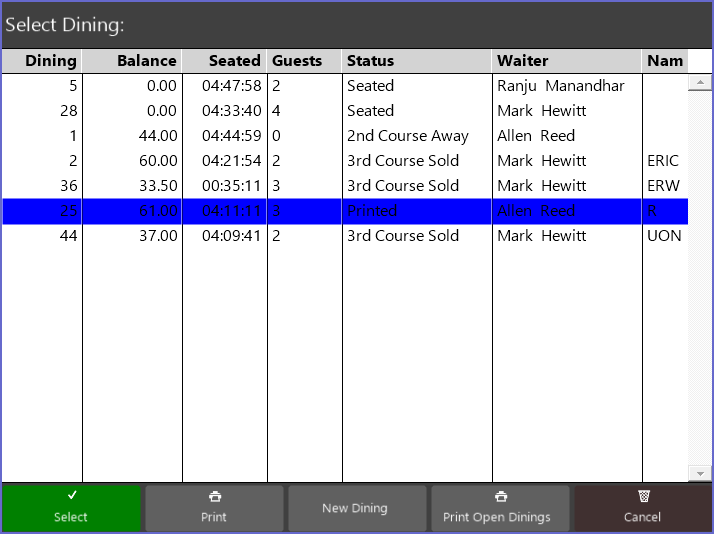
- After a Receipt has been Printed for a Table, the Table will be highlighted in an alternate color in the Table List and will also have a Status of Printed
- The Table will also appear in a different color in the Table Map
- These colors can be edited within Venue Maintenance on the Tables Tab
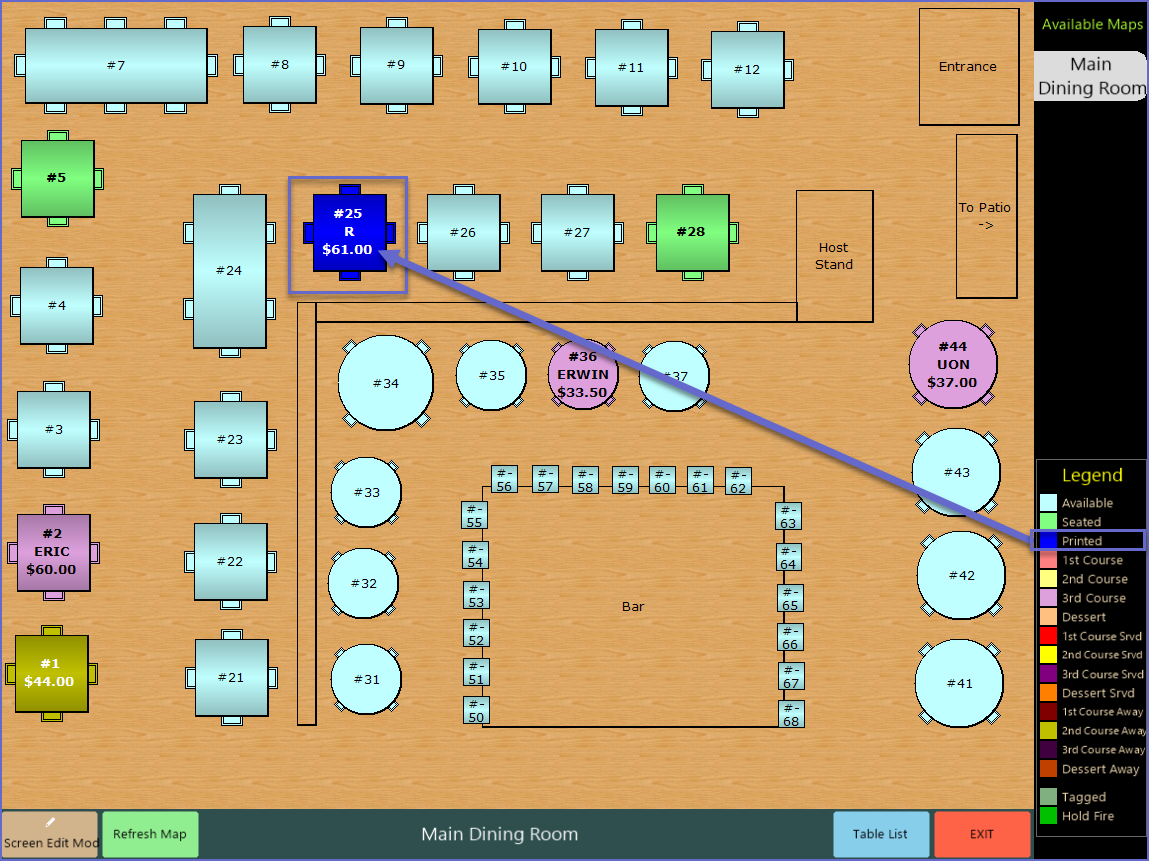
Table Payment & Closing
-
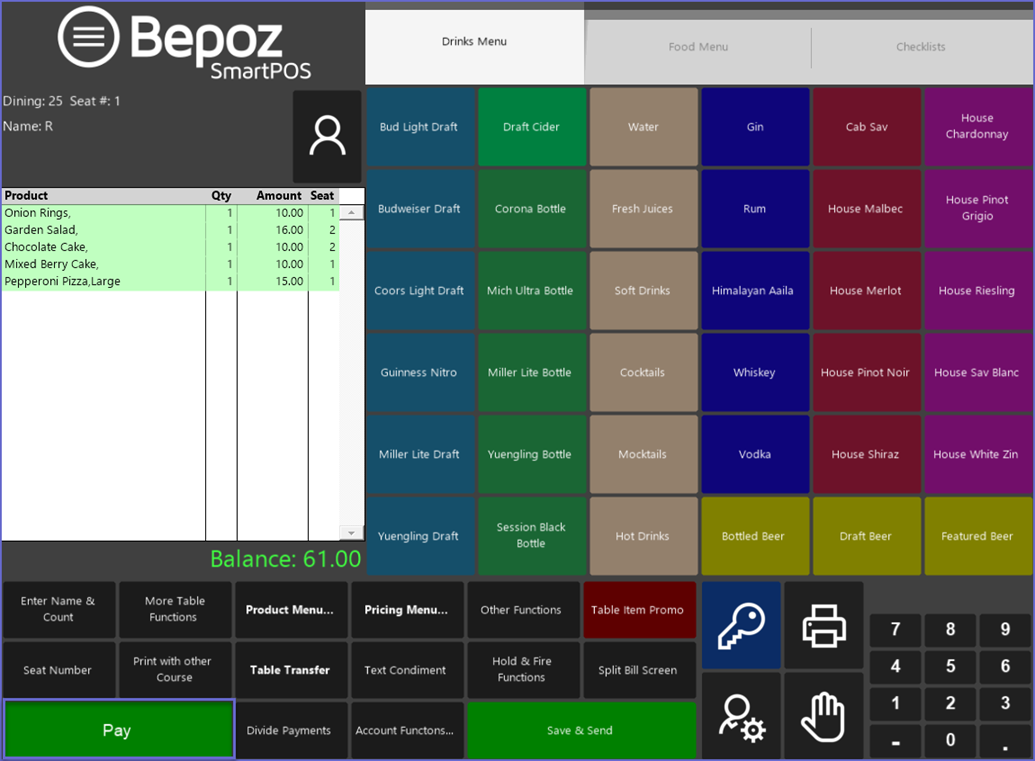
To Process a Payment for a Table Account and Finalise the Transaction, an Operator will need to tap the Pay Function button after Reopening a Saved Table
-
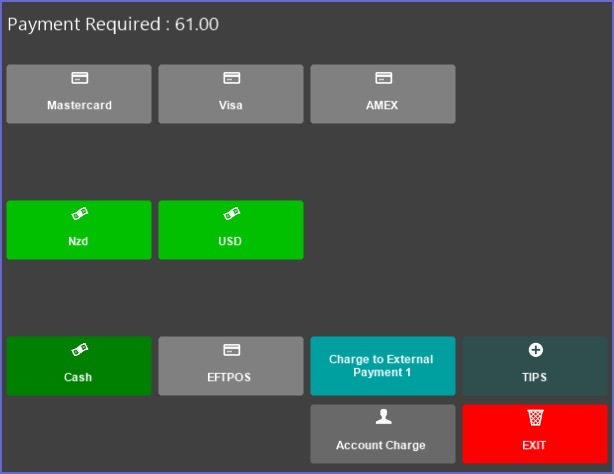
The Payment window will open; proceed to Tender the Payment using the desired Payment Method
-
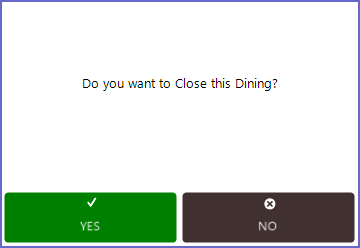
A prompt will then appear asking the Operator if they would like to Close the Table
-
If No is selected, the Table will remain Open and appear Active until it is Closed
-
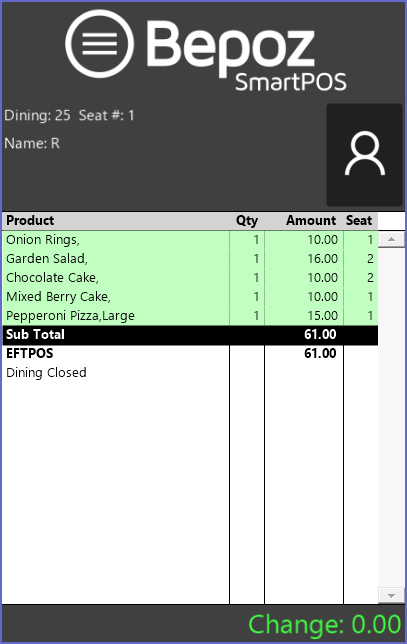
If Yes is selected, the Table will be Closed and this will display in the Transaction Window
Video Walkthrough - How to Print Receipt, Pay & Close a Table