Overview
The Product Summaries Report displays all of the details regarding Product Sales.
This type of report allows for viewing profit generated from each Product and compare Product sales of two different reporting periods.
Prerequisites
- To access Product Summaries Data Settings, the applicable Operator Privileges will need to be enabled
- Operator Maintenance 'Reporting' Tab
- Sales Reports: "Allow Product Reports" Flag
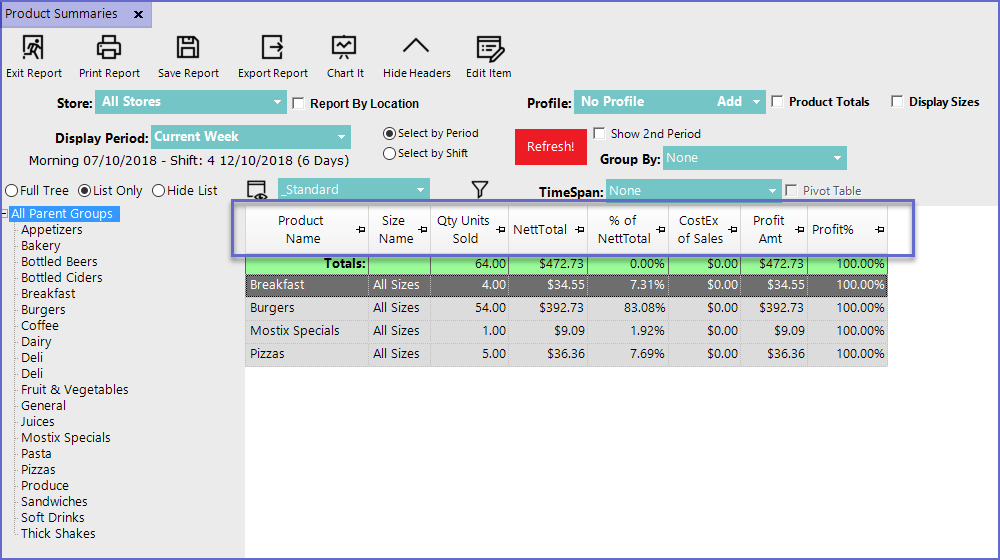
"_Standard" View
- This is one of the default views for the Product Summaries Report and includes the following data columns by default:
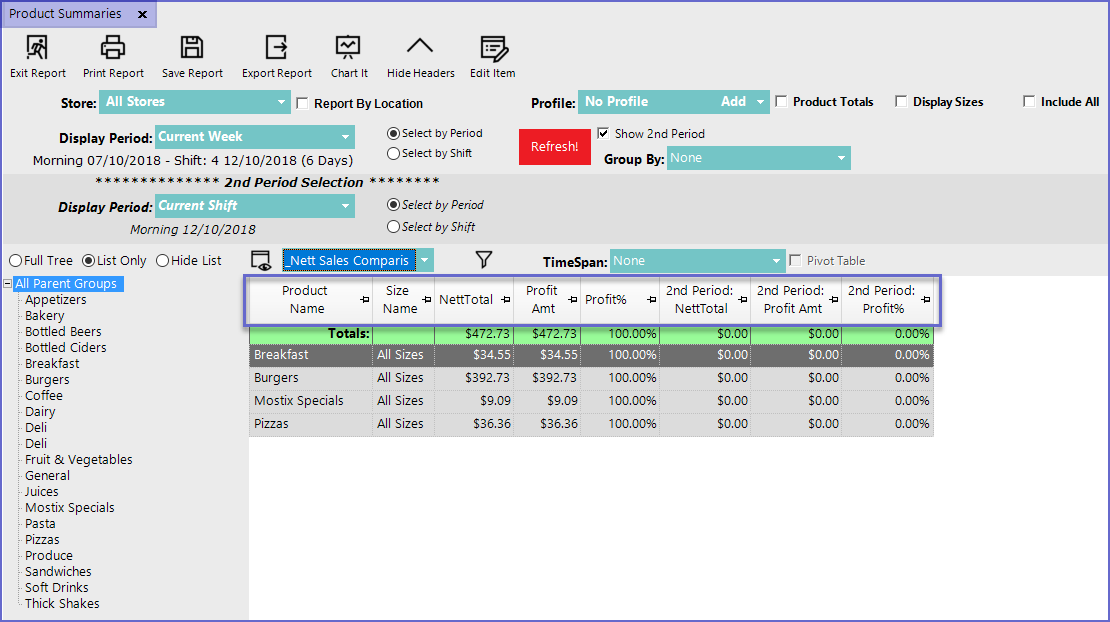
"_Nett Sales Comparison" View
- The Nett Sales Comparison View includes the following data columns by default: