Overview
The "Table Open" Sub-Function is designed to Open Tables based on their Table Group. Tables Groups are numbered from zero to seven (0-7) but can exceed further if using Table Group Offsets.
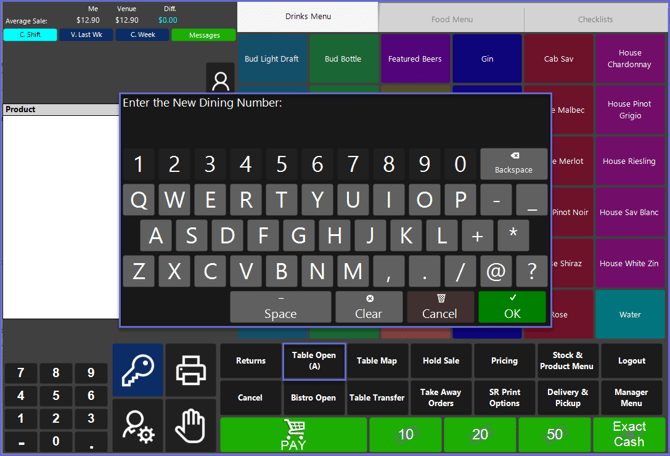
Table Open Alpha is the same as the "Table Open" Sub-Function but allows and prompts for alphanumeric Table Numbers.
Prerequisites
- To use this Till Function in SmartPOS, the following Operator Privileges will need to be enabled:
- General: "Operate Tills" Flag
- Tables: "Create New Tables" Flag
- Operator Maintenance 'Till Privileges' Tab
SmartPOS Example- Table Open Alpha
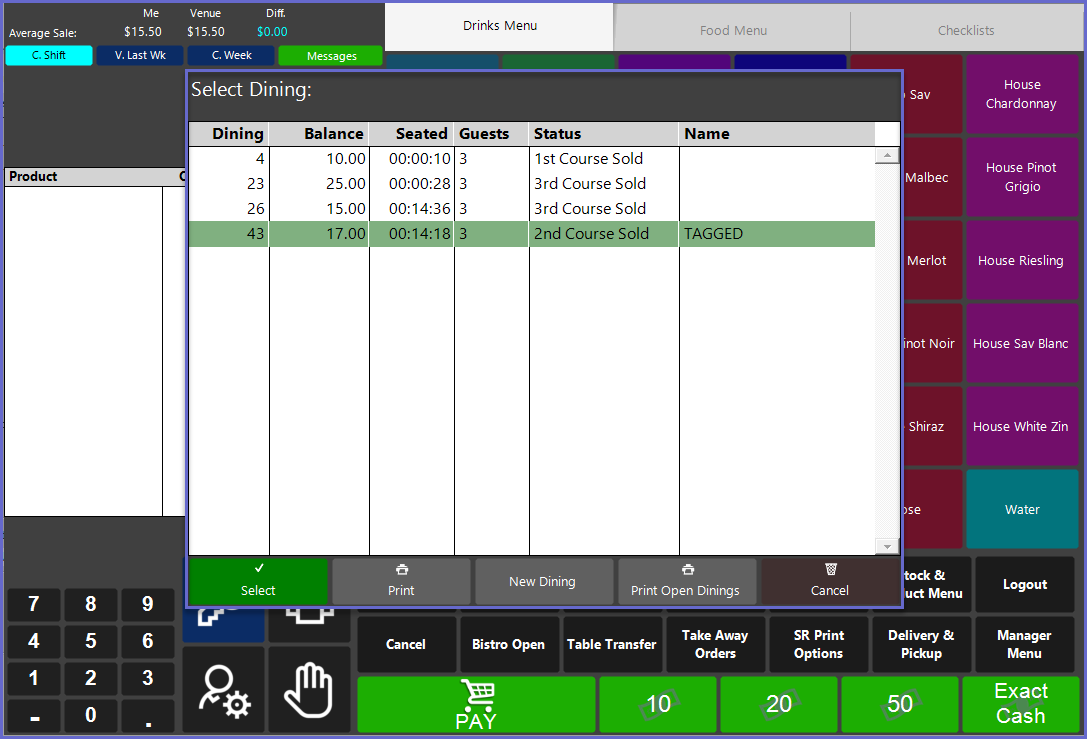
- After selecting the "Open Table Alpha" Sub-Function, a List of all active tables will be displayed; when beginning a New Table, Operators will be prompted to enter a Table Name using an alphanumeric keyboard
- Tables can be then selected individually where other processes can be completed such as Ordering Products and Printing Receipts
SmartPOS Example - Table Open
- After selecting the "Open Table" Sub-Function, a List of all active tables will be displayed
- Tables can be then selected individually where other processes can be completed such as Ordering Products and Printing Receipts