
Overview
The BackOffice program is the central management hub for the POS system. It provides tools for configuring system behaviour, maintaining product data, and administering day-to-day operational settings. Through BackOffice, users can set up store information, define tax rules, and configure POS terminals. The program allows the creation and maintenance of Products, Pricing, Sorts & Types, and Promotions, to name a few, ensuring accurate and consistent information across all POS Tills. It also supports user management (Operators), security permissions, reporting functions, and system maintenance tasks. BackOffice acts as the control centre for ensuring the POS environment operates reliably, securely, and in accordance with business requirements.
Prerequisites
- Correct installation of SQL Server on a dedicated machine, whether in-Venue or cloud hosted
- Installation of the bepoz software suite
- Operator Privilege to 'Use BackOffice'
- Operator Login credentials
Procedure
- Open the BackOffice program (backoffice.exe) using the desktop shortcut, if available, or launch it directly from the …\Bepoz\Programs\ folder.
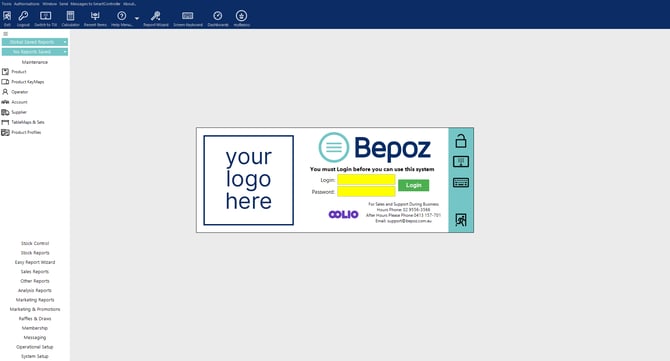
- Enter your Operator Login and Password, then click 'Login' or press 'Enter'.

updated to: bepoz v4.8.2.1