
What's New
Configurable tipping screen for Pay at Table
The Pay at Table tipping screen has been redesigned with a vertical layout and supports four new venue-level settings in Back Office: the screen layout, whether tip amounts or percentages are displayed, whether a custom tip entry is offered, and the label on the decline button. The decline button label supports up to 20 characters.
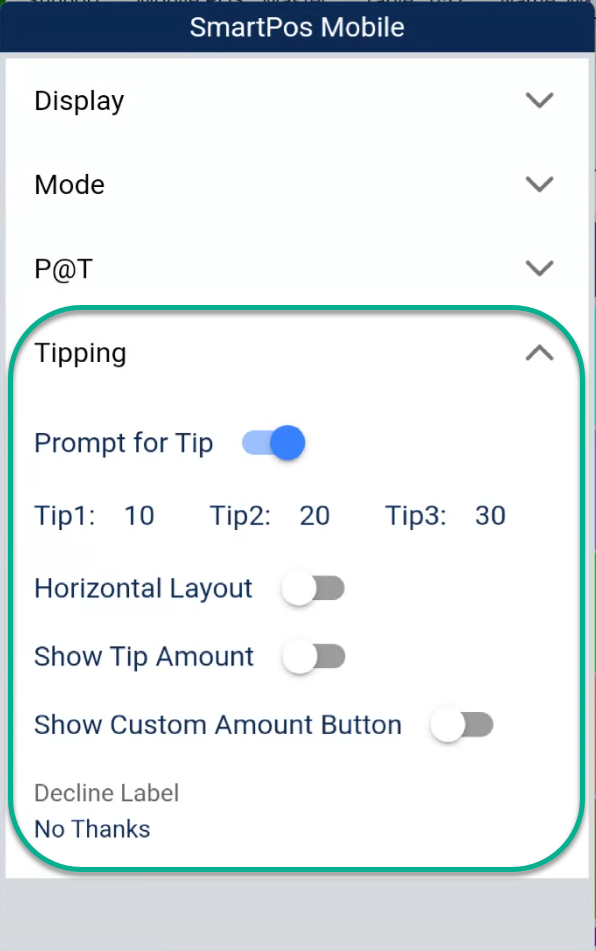
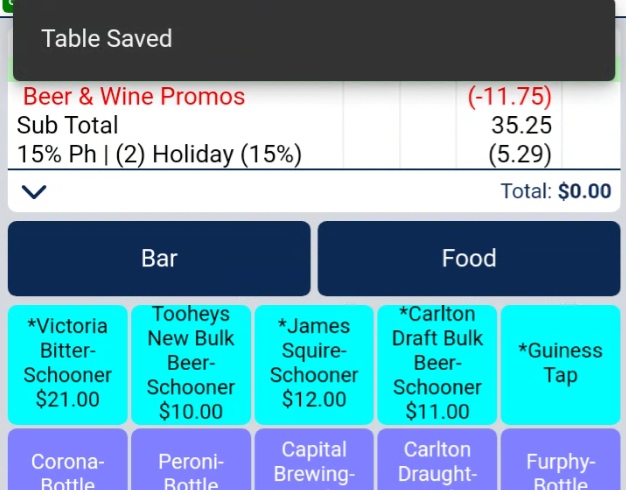
Table save confirmation on handsets
When a staff member saves a table on the handheld, a confirmation message is now displayed on screen — removing any uncertainty about whether the save was successful.
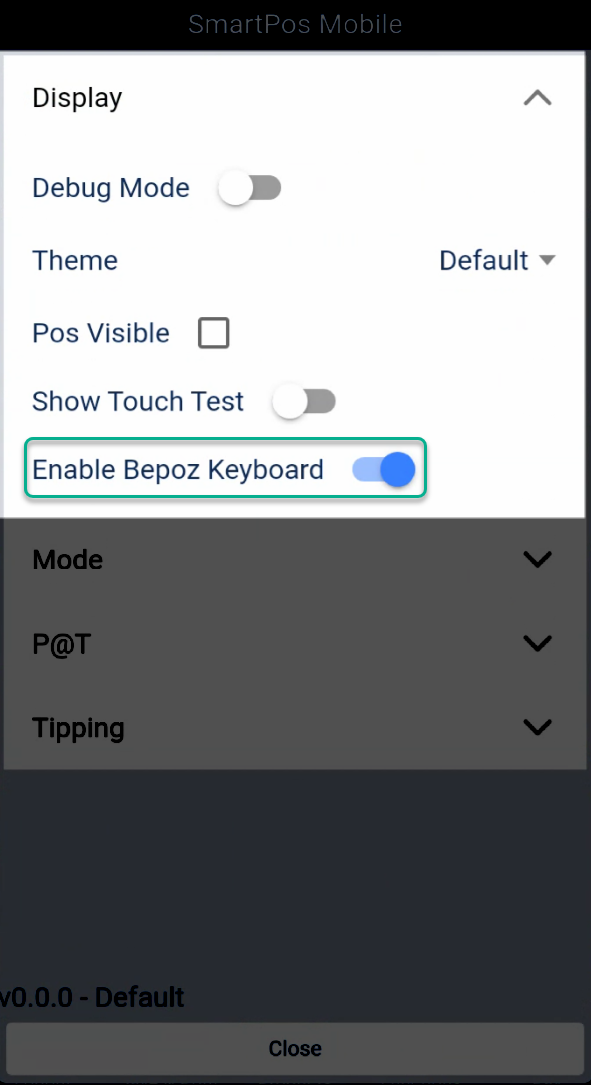
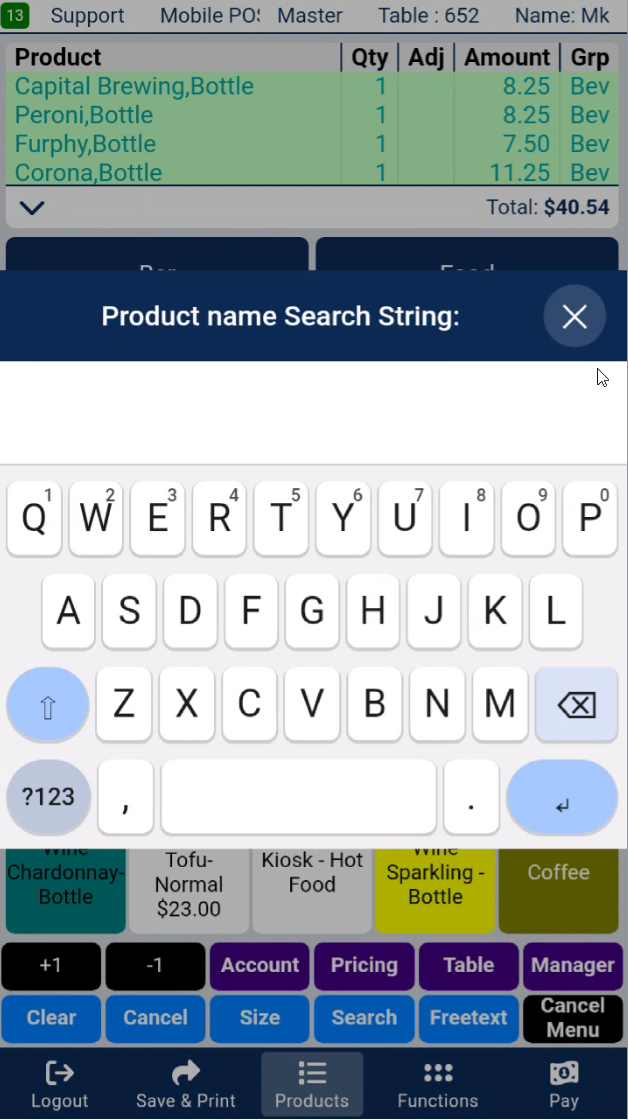
Bepoz keyboard option for handsets
A new toggle in the on-device SmartPOS Mobile settings lets staff switch between the system keyboard and the Bepoz keyboard. The setting is per-device and is off by default.
Order confirmation screen after payment
After completing a Kiosk payment, customers now see a confirmation screen before the session ends. It gives them a clear moment of reassurance that their order went through successfully before they step away.
Allergen tag filtering on the Kiosk
Customers can now filter the Kiosk menu by allergen preferences before they start ordering. Filters are driven by the allergen tags configured against each product in Back Office — so as your menu changes, the filters stay accurate automatically. Ideal for venues serving customers with dietary requirements.
Improvements
More reliable reconnection after a network drop — If the device loses its connection, it now recovers automatically within 10 seconds and returns to normal operation, rather than displaying a blocking message that required manual intervention.
Oversell Qty limit now respected on the Kiosk — Products configured with an Oversell Qty limit in Back Office now correctly sell out on the Kiosk when that threshold is reached. Previously, the limit was not being applied during the Kiosk session.
Bug Fixes
Kiosk Display
- Product prices now display correctly on the menu card, condiments page, and size selector for products with an Oversell Qty limit set — for both stocked and non-stocked products.
- Inactive products no longer appear on the Kiosk menu or show an error prompt when tapped.
- Condiment buttons and their labels now display correctly across all Kiosk layouts.
Handheld & General
- The inactivity timer now resets correctly when a customer adds an item to their cart, and no longer triggers on an empty cart.
- The timeout dialog no longer appears on the startup screen after a payment is completed.
- The reconnection notification no longer blocks the offline screen when the venue network is unavailable.
- Duplicate button assignments no longer cause layout issues on the order panel.
- The version number in the on-device Preferences menu now shows the correct installed version.